Managing latency, synchronisation, and redundancy are crucial to the success of live events. Paul Milligan gathers expert opinion on how to minimise issues.
"Athe end of the day, you are only live once. Once that moment’s gone, it’s gone forever,’ that quote from Francis Williams from Diversified sums up perfectly the pressure of getting things right during live events. Mistakes will always occur when humans are involved in any process, even with skilled technicians in charge, but technology is evolving to help users minimise issues of latency, synchronisation, and redundancy so that skips or delays or blips can be rectified in seconds without it affecting the final result or even being noticed at all.
We gathered a panel of experts in production and live events to ask them about zero latency, how to keep everything in sync with there are so many moving parts, if the move to IP has made latency and synchronisation easier or harder, and what technologies such as SMPTE 2110 and NDI bring to live events.
Every year there are buzzwords that fly around the AV industry, often created by over-enthusiastic marketing departments, that don’t hold up to a lot of scrutiny under examination. Zero latency is one of them. When manufacturers say zero latency, what are they actually measuring, and what’s being left out?
The term has clearly caused some irritation, as Paul Harding, broadcast systems architect at Diversified, makes clear: “Zero latency and ultra-low latency are terms thrown around without people really understanding what they mean. It’s impossible to do anything with zero latency. If I connect an SDI cable, then my signal would go from point to point as fast as the electrons can travel, and that can be classed as no latency. It gets banded around as a term but realistically its madness, true zero latency would be a direct cable attachment without an encoder.”

image: Diversified - pic credit: Ryan Gobuty
Zero is merely a number, which only makes sense when attached to a unit says Holden Guo, principle pro AV consultant, Vingloop. “When many practitioners in the AV industry talk about zero latency, they often omit the corresponding unit either intentionally or unintentionally.” Zero latency usually means “so small it is hard to notice” in one part of the chain says Bryan Davies, regional sales manager, corporate, EMEA for Ross Video. “It may not include cameras, processors, screens, networks, audio desks, or people pressing buttons. It is like timing a train once it leaves the station but ignoring the walk to the platform.”
When a manufacturer claims zero latency, they are typically referring only to the internal core processing pipeline of the hardware, essentially a ‘straight-wire’ path without scaling, frame buffering, or effects says Shixiong Su, FPGA manager, Pixelhue. In real-world engineering, several critical stages are often omitted from that ‘zero’ figure, Su adds. “The first is physical interface overhead: the time required for clock recovery and protocol parsing at HDMI, DP, or SDI ports. Buffer latency is another, the essential processes such as frame rate conversion, de-interlacing, and multi-source synchronisation require line or frame buffers, which are the primary sources of delay. And lastly, advanced image processing, such as scaling, HDR mapping, and multi-layer compositing, which add unavoidable cycles.”
Keeping audio and video signals in sync has always been a challenge for AV technicians, just how do you minimise sync issues in live events when there are so many moving parts? The best approach is to synchronise sources at image generation says Daniel Maloney, manager of platforms and ecosystems, Matrox Video. “This can be done by genlocking cameras, or by using HDMI outputs from the same GPU, which are inherently in sync. When sources are aligned, decoders don’t need to correct timing downstream. In larger systems, decoder outputs may still need to align with Precision Time Protocol (PTP) or house sync on the receiver side.”

image: Diversified - pic credit: Ryan Gobuty
A robust PTP clock mechanism across the network is essential to provide unified time reference for the entire system says Guo: “Regardless of the adopted solution, to ensure stable PTP operation the switching network must be equipped with mature QoS and IGMP protocols to guarantee real-time transmission of clock signals.”
In practice, minimising sync issues comes down to three things says Norbert Paquet, head of live production solutions, Sony Professional Solutions Europe. “The first is to choose systems and products that support synchronisation input, from camera to displays. The second is to work with products that have deterministic timing handling, so you know the latency path end-to-end. The last is to work with a robust and reliable sync/timing source.”
What are the techniques needed to ensure the same audio and video plays out to multiple screens with little to no delay? There are a few key approaches, both before and within the IP network, says Maloney: “At the signal level, alignment can be handled in baseband before moving to IP. Once on the network, PTP is used to timestamp audio and video packets, so all devices share a common clock, both at acquisition and output. Without a common clock, each receiver plays out content as soon as it arrives, resulting in misalignment. With PTP, all receivers can output audio and video in sync. On the distribution side, multicast networking allows a single transmitter to send one stream to a switch, with multiple receivers subscribing to that same stream. This approach underpins standards such as ST 2110 (with NMOS) and IPMX.”
Davies says the key is to use shared timing, matched processing paths, frame sync where needed, and a central control layer so screens are triggered together: “Keep formats consistent and avoid unnecessary conversion. Think of it like airport departure boards, every screen can be different, but the time source must be the same.”
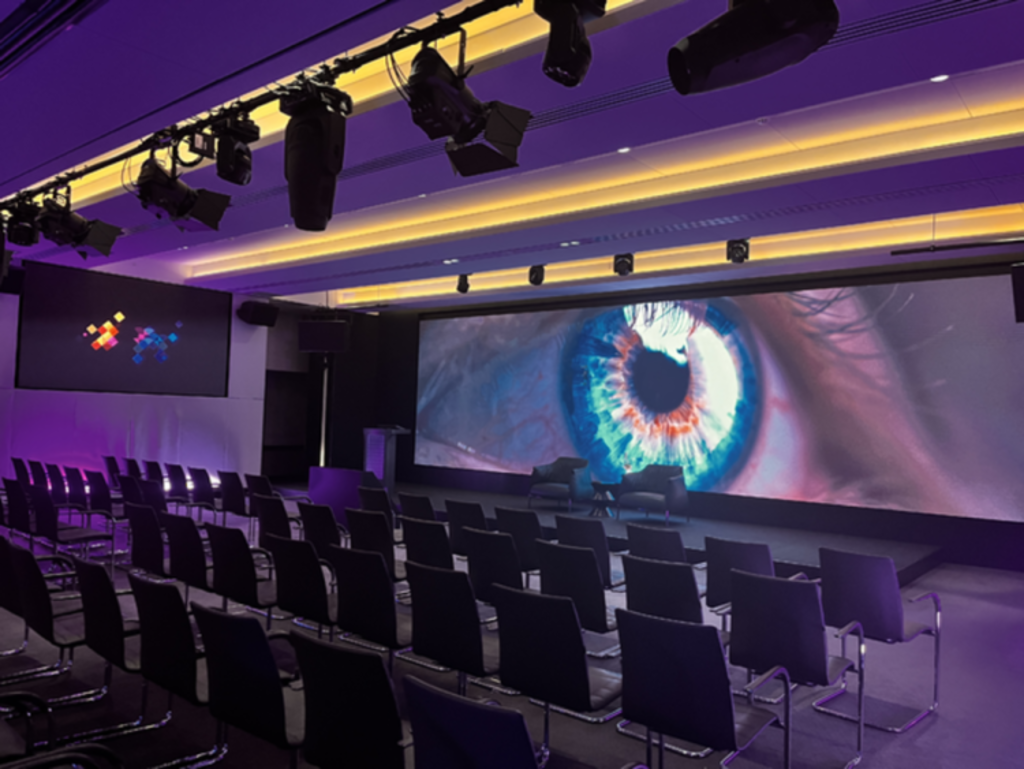
image: Ross Video
Has the move to IP made latency and synchronisation easier or harder to manage in live events? It’s a double-edged sword says Vincent Pang, product manager, Pixelhue: “In the long-term, IP makes management easier through scalability, but it makes the initial design harder because it demands higher networking expertise. It’s easier because with 2110 we can use PTP to sync thousands of devices over a single network. It eliminates the spaghetti’ of traditional cabling and allows for centralised delay compensation. It’s harder because if the network isn’t configured correctly, specifically regarding IGMP snooping or bandwidth management, then you get jitter."
Davies agrees the answer to that question is both easier and harder. “IP gives teams more flexibility, especially across large sites, campuses, venues, and temporary spaces. But it also adds more variables: network design, timing, bandwidth, and device setup. Done well, it is powerful. Done casually, it is like adding more roads without any traffic lights.”
IP is no harder, and no easier, than any other transport method, provided you’re using the right systems to handle the challenges that come with it adds Paquet: “On synchronisation, PTP is every bit as accurate as traditional genlock (black burst or tri-level) and distributing it across a network is actually simpler than the old BNC-based approach. The caveat is that you have to pay close attention to media network configuration and switch types to ensure they properly support PTP. On latency, the only real addition comes from compression, and that can be handled by choosing solutions that give you a clear, transparent view of any delay being introduced.”
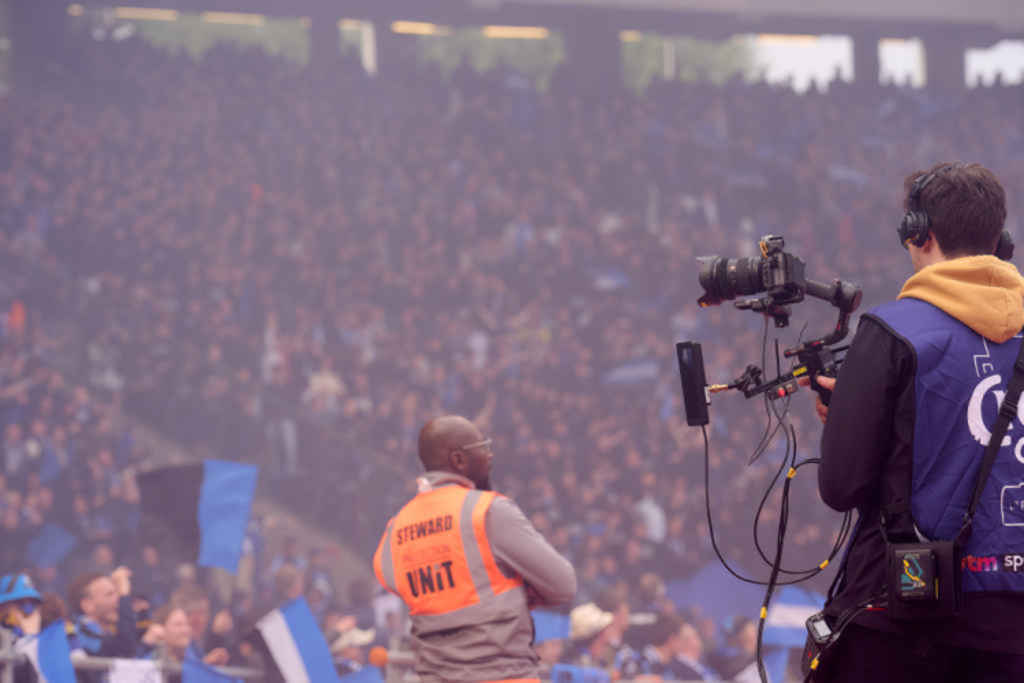
image: Sony
Moving to IP has made it much easier says Guo, because “in recent years, with the emergence of more plug-and-play AV-over-IP technologies, latency and synchronisation management functions have been embedded into product software. End-users can easily complete relevant configurations with just a few clicks.” But that comes with a small caveat: “Nevertheless, it has set new requirements for professional knowledge and practical skills for AV system integrators.”
The issue of sync and latency is an interesting one when comparing the worlds of broadcast, where it has been an issue for decades, and pro-AV, where it’s a lot newer. “I do think that the AV world is much more tolerant of audio and video delays than broadcasts would ever be,” says Harding, using an analogy about cars as his proof. “If all you’ve ever driven is a Ford Fiesta, it can be the greatest car in the world,” he says. “But if you suddenly go out and drive a 5 Series BMW there’s a difference. And it’s not just a perceived difference. There’s a real difference between those two things.
"A lot of the AV world has been driving around in Fiestas for years, and no one’s ever thought there’s a problem with that, because there’s nothing wrong with driving a Fiesta. But suddenly, a couple of people have jumped in a BMW and said, ‘look at this, this seems a lot better’. This is where we see that crossover point between broadcast and AV, people are saying can I get better quality? Can I achieve something different? Because it does affect the message.”
In recent years we’ve seen the introduction and adoption of new standards and protocols such as SMPTE 2110 and NDI which are aimed at bridging the gap between broadcast and pro-AV. How do approaches like 2110 and NDI differ when it comes to latency and synchronisation in live events? The two represent two extreme technical orientations, says Guo: “2110 prioritises strict precision, NDI emphasises high flexibility.”
Making an analogy to express a similar opinion is Ross Video’s Davies: “One is like a dedicated high-speed rail line. The other like a smart road network.” There are four key differences says Sony’s Paquet. The first is synchronisation: 2110 mandates PTP as part of the system; NDI can run with no synchronisation at all. That’s a fundamental difference. The second is compression, NDI always involves some compression. The third is network type and design, NDI is simpler to build and operate, but that simplicity can introduce jitter and unpredictable latency. 2110 is stricter, but it’s built for real-time media transport. The fourth is edge devices, 2110 devices are typically FPGA-driven, which gives you reliable, robust, deterministic processing. NDI devices often rely on software processing, where CPU load can cause latency to vary with workload.”
For those working in live events who are looking to migrate to IP workflows such as 2110 and NDI, what is there to gain and what is there to lose? “Some would say simplicity, others would disagree, but the clearest gain is flexibility. IP/IT systems tend to offer a single interface for all types of signal: audio, video, control, monitoring. They also allow greater scaling than traditional dedicated systems,” says Paquet. There’s also a longer-term consideration he adds: “IP/IT technologies evolve quickly, which means the systems and their potential can evolve too, rather than being set in stone. The flip side is that they can become obsolete more quickly as the industry moves forward.”
The gains are immense flexibility says Pang. “You can route any signalcto any screen without a physical matrix. You also get unified clocking across the entire venue via a single fibre optic cable. The losses are you lose the ‘plug-and-play’ simplicity of SDI. In an IP world, you can’t just ‘check the cable’, you have to check the switch configuration, VLANs, and IP addresses.”
The biggest addition is geographical opportunity says Williams: “You can share resource, and gain operational efficiency. We’re seeing the biggest take-up of SMPTE and NDI when remote production can happen.” However, he warns it can add a layer of complexity that isn’t needed at every event: “Just because it’s the coolest and latest thing to do, isn’t always the right reason to do it.” Having the right skills to move to new platforms cannot be ignored adds Matrox’s Davies: “Familiarity is often the biggest challenge for AV professionals. There have been two generations of users working with SDI, and the supporting tools have evolved incrementally, allowing skills to develop over time. Moving to IP-based workflows requires a different skill set, and while it’s becoming easier to find people with that expertise, it can still be a challenge.”
What are the challenges that make latency, synchronisation, and redundancy more difficult to achieve in a temporary event than a fixed installation? “Temporary events rarely have perfect conditions. Power, cabling, networks, screens, audio, suppliers, and venue rules all arrive with their own limits. The challenge is making it behave like a permanent installation by showtime,” says Davies. It’s rarely the technology itself says Paquet, it’s the system design, and the people running it. “You can’t fly an aircraft without a licence and training, and IP/IT in a broadcast context is no different. The marriage of AV with IP/IT is a fantastic opportunity, but the knowledge gap on both sides remains the biggest roadblock to wider adoption, and live events are no exception.”
Let’s take a look at redundancy to complete this examination of the issues faced in live events and live production. Should you really have a backup for the backup in live productions? Where do you draw the line on redundancy before it becomes impractical? “You are only live once. Once that moment’s gone, it’s gone forever. It’s effectively a moment in time, and losing that moment is, in most people’s eyes, unacceptable. That is even more the case now, when you have rights holders and broadcasters for whom the lost revenue can be huge if they have to give money back to advertisers. You can never have too much redundancy, I’ve built AV systems with seven layers of redundancy,” says Williams.
For a global broadcast or a high-profile keynote, “redundancy + 1” is the baseline says Pixelhue’s Su. “We typically recommend a primary path of high-bandwidth, lowest latency (e.g. 4K @ 60Hz). A backup path, identical to the primary, running on a separate power circuit and separate processor, and an emergency bypass. A simple, direct feed that skips all processing. The line of ‘impracticality’ is reached when the complexity of the backup system increases the risk of human error. If the backup takes 10 minutes to switch over, it’s not a backup.”
It ultimately depends on budget says Maloney, that’s what usually defines where the line is drawn.” Generally, your first backup is ensuring you can still deliver what the client expects. The second level of backup focuses on simplifying the setup while minimising the impact on the production. The third level is about maintaining the bare minimum, ensuring screens and speakers are still fed. How much you invest to avoid falling back to those second and third levels comes down to budget."
top image: Shutterstock.AI